Narration · approximately 40 seconds
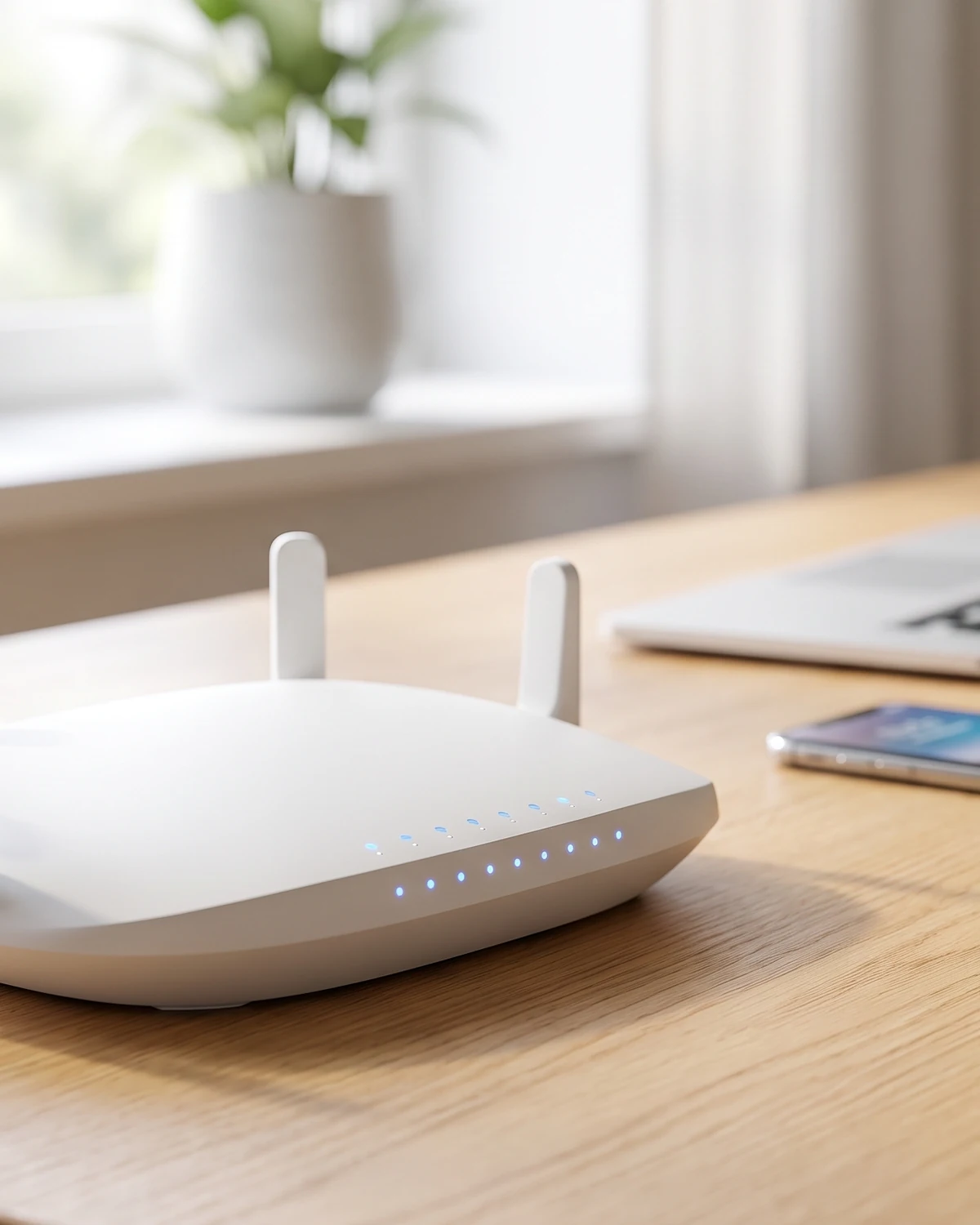
Wi-Fi carries your data through the air using radio waves, the same broad family of waves used by radio and television. Your router is connected to the internet by a cable, and it also contains a small radio transmitter. When you load a page, the incoming data is turned into a pattern encoded onto radio waves, which the router broadcasts. Your phone or laptop has its own tiny radio and antenna that pick up those waves and translate the pattern back into digital data.84 words · written for a clear narration pace
The Flash Answer
Wi-Fi carries your data through the air using radio waves, the same broad family of waves used by radio and television. Your router is connected to the internet by a cable, and it also contains a small radio transmitter. When you load a page, the incoming data is turned into a pattern encoded onto radio waves, which the router broadcasts. Your phone or laptop has its own tiny radio and antenna that pick up those waves and translate the pattern back into digital data. The conversation goes both ways, many times a second. Wi-Fi is simply the invisible wireless link between your device and the router — not the internet itself.
Wi-Fi is radio, not magic
The first thing to understand about Wi-Fi is that it is a form of radio. The waves that carry your video call across the living room are close cousins of the ones that bring music to a car radio or a picture to an old television. They are all electromagnetic waves, travelling at the speed of light, and Wi-Fi simply uses particular frequencies set aside for the job.
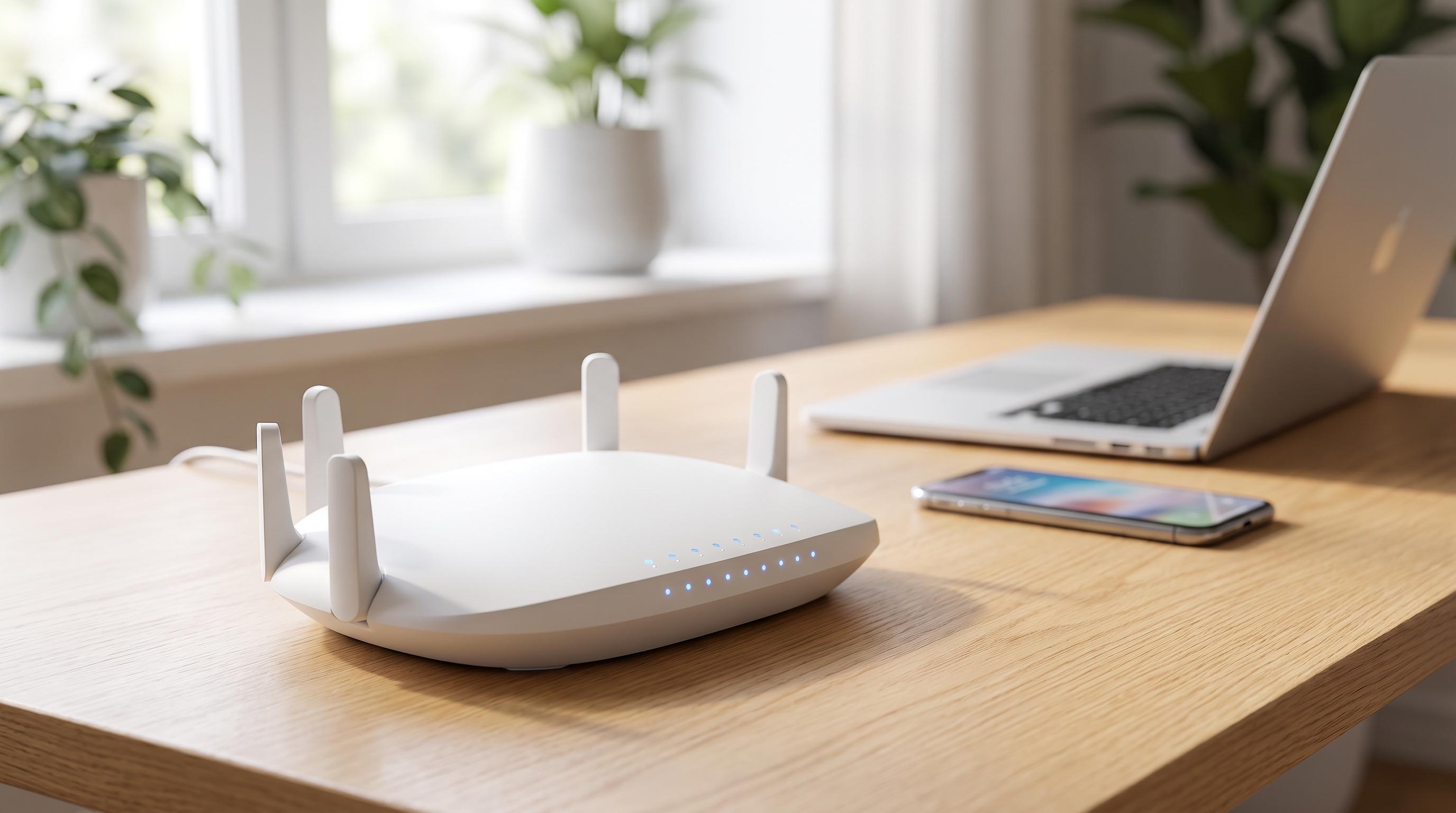
At the centre of the system is your router. A cable — from a fibre line, cable connection or phone line — brings the internet into your home and plugs into the router. The router's job is to act as a translator and broadcaster: it takes the digital data arriving over that cable and sends it out into the room as radio waves, and it listens for the radio waves your devices send back. Everything wireless in your home flows through this one hub.
Key fact
Wi-Fi uses radio waves — the same family as broadcast radio and TV — to carry data between your router and your devices at the speed of light.
Turning data into waves and back
Everything a computer handles is ultimately a stream of bits — ones and zeros. To send those bits through the air, the router has to write them onto a radio wave, a process called modulation. In its simplest form, the router subtly changes the wave — its strength, its timing, or its phase — in patterns that stand for ones and zeros. Modern Wi-Fi uses clever schemes that pack many bits into each moment of the signal, which is how it achieves high speeds.
Your device does the reverse. Its Wi-Fi radio and antenna detect the incoming wave, read the tiny variations, and reconstruct the original stream of bits — the web page, the video frame, the message. Because both the router and your device can transmit and receive, the exchange runs in both directions: your device requests a page, the router sends it back, and this back-and-forth repeats constantly and almost instantly.
This two-way, encoded conversation is the real heart of Wi-Fi. The waves themselves are just a carrier; the information lives in the precise pattern of changes imposed on them.
Data arrives at the router
Internet data comes in over the cable as a stream of digital bits.
Bits are encoded onto a wave
The router modulates a radio wave, changing it in patterns that represent ones and zeros.
The wave crosses the room
The router broadcasts the signal; your device's antenna picks it up.
The wave is decoded
Your device reads the pattern and reconstructs the original data — and can reply the same way.
Two lanes: 2.4 and 5 gigahertz
Wi-Fi does not use just one frequency but a couple of main bands, and they behave differently in a way you have probably noticed. The older 2.4 gigahertz band sends waves that are better at travelling long distances and slipping through walls, but it is more crowded — shared with cordless phones, baby monitors and microwave ovens — and generally slower. The 5 gigahertz band is faster and less congested, but its shorter waves don't reach as far or penetrate walls as well. Newer routers add a 6 gigahertz band for even more capacity.
This is why your phone might hold a strong, fast connection in the same room as the router but slow down or drop as you move to the far end of the house. Many routers juggle the bands automatically, steering each device to whichever offers the best balance of speed and reach at that moment. It is also why the position of your router matters: walls, floors, and large metal objects absorb or block the waves.
Wi-Fi is not the internet
One of the most useful things to get straight is that Wi-Fi and the internet are two different things. Wi-Fi is only the wireless link between your device and your router — the last few metres of the journey. The internet is the vast global network your router reaches through its cable. When people say the Wi-Fi is down, quite often the wireless link is working perfectly and it is the internet connection beyond the router that has failed, or the other way around.
Seeing them as separate explains a lot of everyday experience. Your phone can show full Wi-Fi bars yet fail to load a page, because it is connected to the router but the router has lost its link to the wider internet. Devices on the same Wi-Fi can talk to each other — streaming from a laptop to a TV, for instance — even with no internet at all, because that traffic never has to leave your home network.
✗ The myth
Full Wi-Fi bars mean the internet is working
A strong Wi-Fi signal is often taken as proof that you are connected to the internet.
✓ The evidence
They are two separate links
Wi-Fi is just the wireless hop between your device and the router. The router still needs a working connection to the wider internet, so you can have a perfect Wi-Fi signal while the internet beyond the router is down.
Is Wi-Fi radiation dangerous?
Because Wi-Fi is radio, a common worry is that its radiation might be harmful. Here it helps to know that the word radiation covers a huge range. High-energy types such as X-rays and gamma rays are called ionising radiation because they carry enough energy to knock electrons out of atoms and damage DNA. Wi-Fi, radio and visible light are all non-ionising: their waves simply do not carry enough energy per particle to do that kind of damage.
Wi-Fi signals are also very low in power — far weaker than the sunlight streaming through a window, and the signal weakens rapidly with distance. According to major health bodies, current evidence does not show that the low-level radio waves from Wi-Fi and phones harm human health at everyday exposure levels, and research continues. It is a reasonable question to ask, and the honest answer is that the physics and the evidence to date are reassuring while scientists keep studying it.
Why it sometimes feels slow
Understanding the radio nature of Wi-Fi also demystifies its frustrations. Because the airwaves are shared, every device on your network takes turns using the channel, so a house full of streaming devices can feel sluggish simply from congestion. Neighbouring networks on the same channel add to the crowd, and physical obstacles — thick walls, metal appliances, even large fish tanks — absorb the signal.
The fixes follow directly from the physics: placing the router centrally and high up, away from big metal objects, gives the waves a clearer path; moving closer, or onto the faster 5 gigahertz band, helps when you need speed; and reducing the number of competing devices frees up airtime. None of it changes the basic idea, which is that your data is riding invisible radio waves across the room, and anything in their way makes the trip harder.
Key takeaways
- Wi-Fi carries data on radio waves, the same family used by broadcast radio and TV, travelling at the speed of light.
- The router is wired to the internet and broadcasts data as radio signals; your device's radio picks them up and replies.
- Data is encoded onto the waves by modulation and decoded at the other end, in a rapid two-way conversation.
- Wi-Fi uses 2.4 GHz (longer range, slower) and 5 GHz (faster, shorter range) bands, which is why signal varies around the home.
- Wi-Fi is only the wireless link to your router, not the internet itself, so a strong signal doesn't guarantee a working connection.
- Wi-Fi is low-power, non-ionising radiation, and current evidence from health bodies does not show harm at everyday levels.
Frequently asked questions
Is Wi-Fi the same as the internet?
No. Wi-Fi is only the wireless link between your device and your router. The internet is the global network the router connects to through its cable. You can have a perfect Wi-Fi signal while the internet beyond the router is down.
Why is 5 GHz Wi-Fi faster but shorter-range than 2.4 GHz?
The 5 GHz band can carry more data and is less crowded, so it is faster, but its shorter waves are absorbed more easily by walls and fade over distance. The 2.4 GHz band travels farther and penetrates walls better but is slower and more congested.
Is Wi-Fi radiation dangerous?
Wi-Fi uses low-power, non-ionising radio waves that do not carry enough energy to damage DNA the way X-rays can. Major health bodies say current evidence does not show harm at everyday exposure levels, and research is ongoing.
Why does my Wi-Fi slow down in some rooms?
Radio waves are absorbed or blocked by walls, floors and metal objects, and the airwaves are shared among all your devices and nearby networks. Distance from the router and congestion both reduce speed, which is why a central, high router position helps.
Sources & further reading
This explainer was prepared through desk research using the sources below; established facts are distinguished from open questions in the text.
- Encyclopaedia Britannica — Wi-Fi and wireless networking, Britannica.
- U.S. Federal Communications Commission (FCC) — Wireless connections and radio frequency bands, FCC.
- Wi-Fi Alliance — How Wi-Fi works and frequency bands, Wi-Fi Alliance.
- World Health Organization — Electromagnetic fields and public health (radiofrequency), WHO.
- U.S. Federal Communications Commission — RF Safety and non-ionising radiation FAQ, FCC.
More Flash Science explainers are being published regularly. Questions or corrections? Email contact@flashscience.org.
Continue exploring
Three questions to read next.
 How Things WorkHow Do Airplanes Fly?Read next →
 How Things WorkHow Do Batteries Work?Read next →
 How Things WorkHow Do Noise-Cancelling Headphones Work?Read next →